Tiled PDF
Download every generated panel as scaled A3 or A4 tiles that can be aligned after ordinary sheet printing.
Choose paper and scale
Choose File > Export > Tiled PDF (model sails) or Tiled PDF in the panel-viewer toolbar. Both open the same dialog.
Choose A3 or A4
The default is A3 (297 × 420 mm). Choose A4 (210 × 297 mm) when that is the available paper. These are the two paper sizes in the current dialog.
Enter the scale denominator
The default is Scale 1 : 25. Enter a positive whole number: at 1:25, every 25 mm in the design prints as 1 mm on paper.
Choose Print
The browser downloads a name such as
panels-tiled-A3-1to25.pdf, recording the paper and scale in the filename.After Print, the viewer toolbar shows Tiled PDF… and pauses the other export buttons. The File-menu path has no in-progress label; both paths produce the same selected paper and scale.
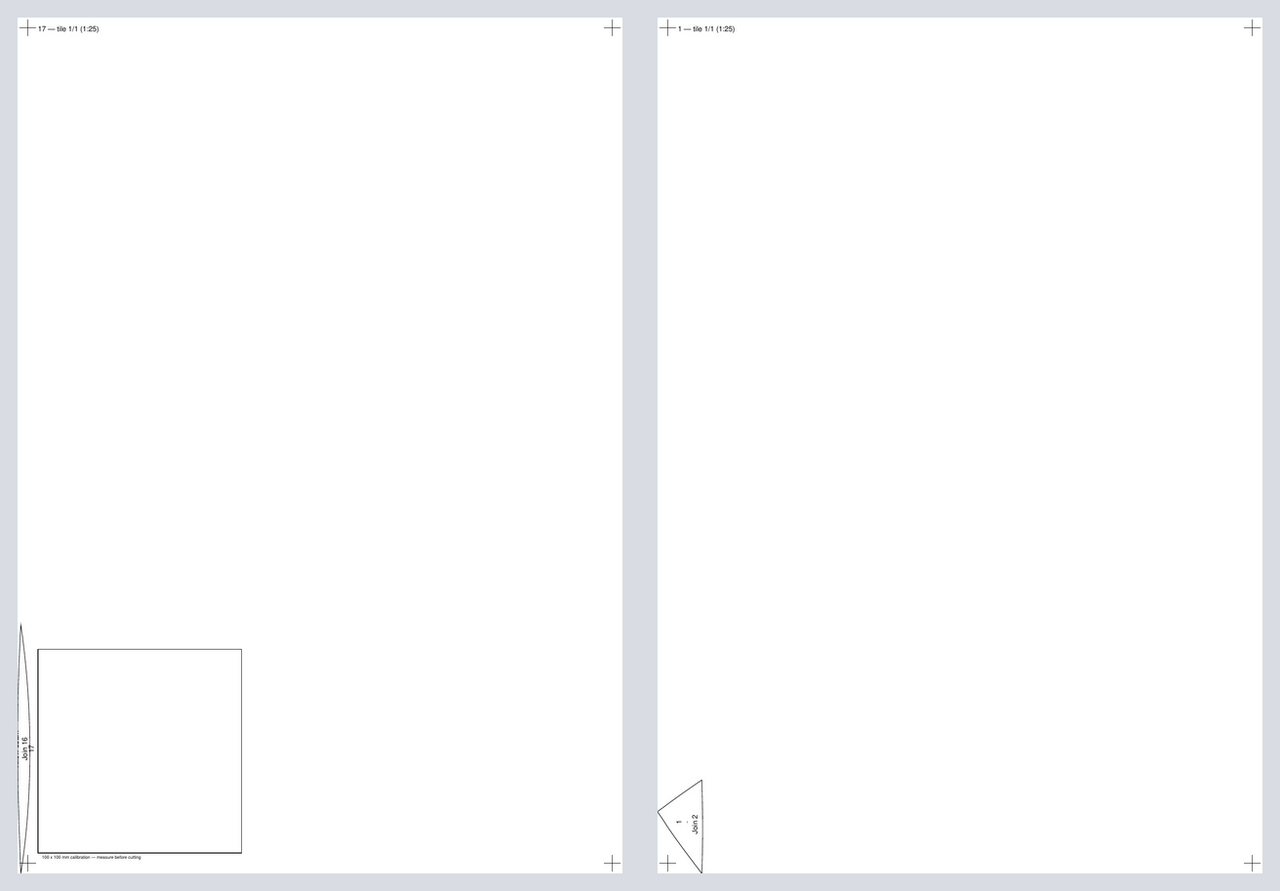
A3 at 1:25 for the Albin Vega 27 gennaker example; these panels each fit on one tile, while larger printed shapes continue across overlapping tiles.
- One panel tiled independently
- Panel and tile label
- Registration crosses
Understand the pages
Each panel is tiled independently; the export does not pack several panels into free space on one sheet. A panel's long direction is aligned with the paper's long direction. Neighbouring tiles overlap by 5 mm and carry registration crosses.
Pages contain the scaled cut boundary, match marks, warp mark, short panel number, seam labels, and tile number. The document's first page also has a 100 × 100 mm calibration square. The tiled drawing does not include the seam-allowance stripe.
Print and assemble the tiles
Print at 100%
Choose Actual size or 100% in the PDF print dialog. Do not apply a second fit-to-page scale; the selected 1:N ratio is already in the PDF.
Measure the first-page calibration square
The square should remain 100 × 100 mm on paper. Also check that a known design length divided by the chosen denominator matches the printed result.
Align overlapping pages
Trim or fold one side of each 5 mm overlap, align the registration crosses, and keep the panel and tile labels in order.
Add any required allowance separately
Because this export draws the cut boundary without the seam-allowance stripe, do not infer an allowance from empty space around the panel.